Drive Mad Guide: Reading Your Car's Balance Before It Flips
Most drive mad attempts fail the same way. You tap the gas a fraction longer than the car wanted, the nose lifts, and the roof finds the ground. Nobody dies. The level restarts, you go again slightly

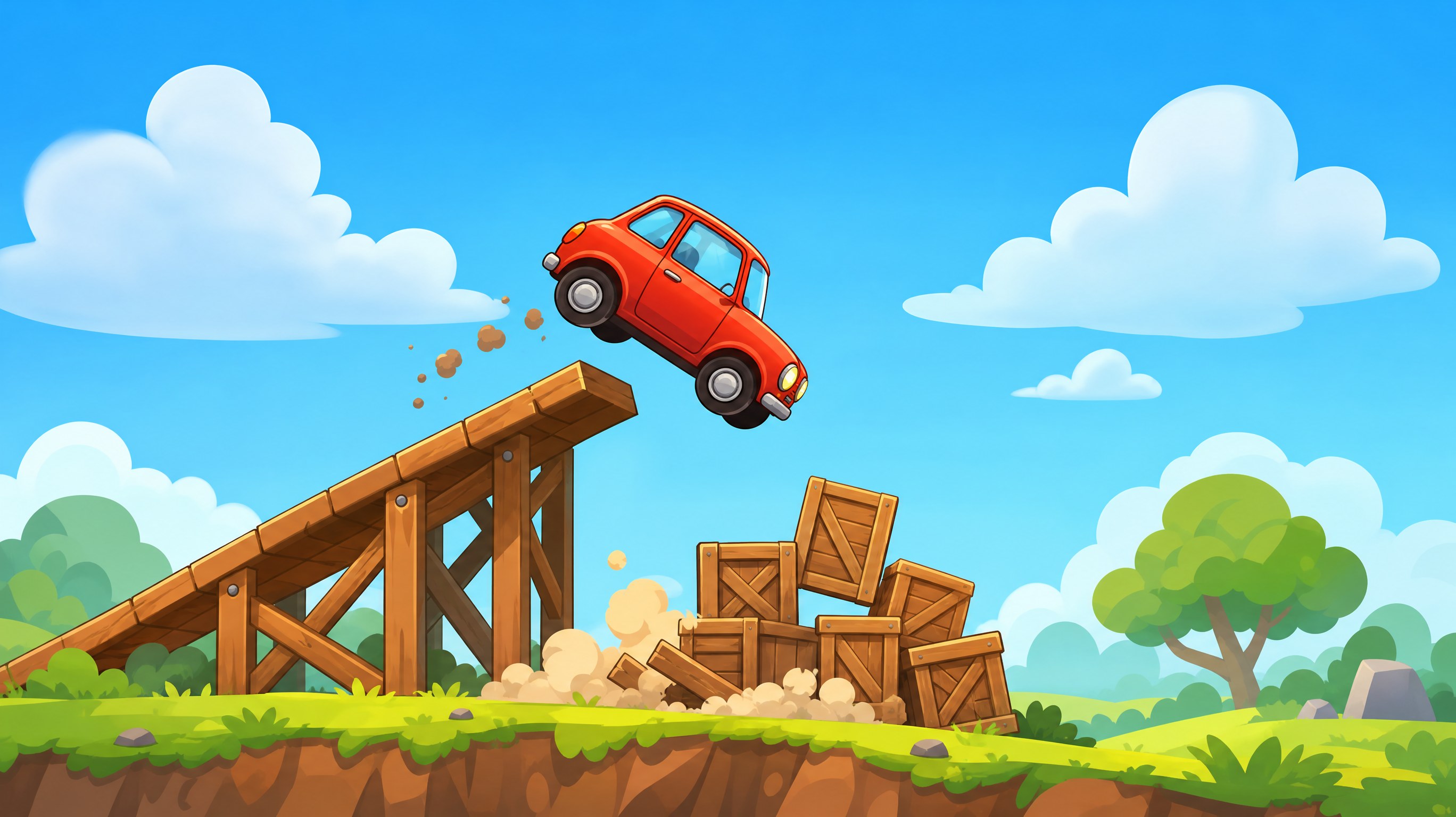
Most drive mad attempts fail the same way. You tap the gas a fraction longer than the car wanted, the nose lifts, and the roof finds the ground. Nobody dies. The level restarts, you go again slightly faster, and it gets worse.
That loop is a reading problem, not a reflexes problem. This drive mad guide is for players who cleared the early stages and now keep dying at bridges, loops, and ramps where the landing isn't visible. Below: what each car's build is charging you, the three signals that a flip has already started, and a five-step method for breaking a hard stage into pieces you can actually practice.
Drive Mad Controls: Two Inputs and One Axis of Trouble
The browser version keeps it to two. Tap or hold the right side to accelerate, tap the left side to brake and reverse. There's no steering wheel, no left-right nudge, and no way to correct your line once the wheels are off the ground. The Fancade page puts it plainly: you can't steer.
The mobile release, sold as Drive Mad: Physics Racing, adds a lean control on top of gas and brake. Leaning shifts weight forward or back, which changes how the car meets a slope. If a tip tells you to "lean into the jump" and your browser build has no lean button, you're reading advice for the other version. Check which one you're on before copying a strategy.
What both versions share decides most levels: throttle is your only rotation control in the air. Gas turns the nose up. Brake pulls it down. That's the whole flight model, and it means the mistake that kills you was made before the car left the ramp.
What the Parts on a Drive Mad Car Cost You
Every stage hands you a different contraption, and the parts bolted to it are the real difficulty setting. Oversized wheels, a stretched chassis, a tank body, an excavator with a working arm. Each one buys something and charges you for it.
Build you're handed | What it buys | What it charges |
|---|---|---|
Oversized wheels | Clears steps and gaps a normal car drags on | Higher axle means a longer lever, so each tap pitches the body harder |
Long chassis | Hard to tip forward on a climb | Scrapes the crest of every hill and needs more run-up for a gap |
Short, light buggy | Reaches speed fast and repositions easily | Bouncy on landing, so the second contact is the one that flips you |
Heavy rig, tank or truck | Sits still on ramps and doesn't skip over planks | Slow to shed speed, so you brake earlier than the obstacle suggests |
Anything with an arm or a prop | A second way to move that isn't throttle | Rules out half your normal habits, and brakes may not exist at all |
That last row isn't a joke. On the runway stage with the jet, there are no brakes and no reverse, so every meter of runway you spend is gone for good.
The rule underneath the table: heavier and longer buys stability and charges you reaction time. Bigger wheels buy clearance and charge you rotation. When a level suddenly feels impossible, check whether the car changed under you. Plenty of so-called difficulty spikes in drive mad levels are a body swap, not a harder road.
Three Signals That a Drive Mad Flip Is Already Happening
You can't save a flip once it starts. You can catch it about two frames earlier, and that's usually enough.
The nose lift. Under throttle, the front wheels go light before the car leaves the ground, and that thin strip of daylight under the front tire is your only early warning. Watch it. When the gap opens while your speed is still climbing, release, then tap the brake once to bring the nose back down. Holding gas to push through only adds rotation.
The second bounce. A clean landing settles once. A bad one bounces, lands, and bounces again, and the next contact arrives at a worse angle. That's the one that puts you on the roof. Don't touch the throttle between bounces, even if it costs you the run.
The horizon shift. On blind drops and loops, the roof line against the horizon tells you the body angle. Once the roof has passed the horizon and the wheels have left the bottom of the frame, recovery is gone. Restart, then note the speed you entered with. That number is the thing to change, not your reaction time.
Drive Mad Level Solutions: Split the Stage Before You Drive It
Late levels are chains, not single obstacles. Treat each one as three or four short levels joined by one start line and the failure rate drops fast.
- Don't touch the screen at spawn. Read the road from the start line and find every gap, plank, and moving part before the car moves.
- Name the segments out loud. Launch, bridge, landing, goal. If you can't name four, you've missed something on the map.
- Find the commit point, the last spot where stopping is still safe. Everything past it gets one decision.
- Give each segment a speed budget: crawl, cruise, or full send. Bridges usually get cruise. Ramps get full send. Landings get crawl.
- Run it twice for different reasons. First run to map, second to time. If you fail the same segment three times, the problem sits in your entry speed, not your hands.
Two examples show why the split works. In the Fancade version, level 39 hands you a jet with no brakes or reverse and less runway than the takeoff needs, so the puzzle lives in how you spend that runway, not in the flight itself. Level 43 gives you an excavator, and the intended route is to drag yourself forward with the arm, then extend that arm at the end so the bucket reaches the goal before the wheels do.
Level 45 flips the idea completely: you drive the level, not the car. Full speed forward for roughly three seconds, then full reverse, and the car's momentum carries it over the jump to the goal. That's the documented solution from the Fancade wiki. Nothing about it looks like driving.
Drive Mad Tips for Bridges, Loops, and Landings You Can't See
Bridges punish change more than they punish speed. Keep an even tap rhythm across the span and don't brake halfway. Braking shifts weight onto the front plank, the surface dips, and you reach the far edge nose-down and quicker than the bridge can take.
Loops need entry speed and a calm top. Hold the throttle through the inverted section so the wheels keep contact, then brake only after the exit. Lifting mid-loop is the most common way to fall out of one.
Blind drops are about angle, not distance. Land with the nose slightly down. A front wheel survives contact and a roof doesn't. If the landing sits out of frame, slow the entry and let gravity finish the job for you.
Cheap trick. It works more often than it should.
Moving platforms reward patience in a way that feels wrong. Wait at the edge, watch one full cycle, then cross on a single continuous input. Two hesitant taps are worse than one committed one.
A Drive Mad Practice Loop That Fixes Most Flips
The drill below is the part of this drive mad guide that pays off fastest. Pick a stage you already beat and run it three times: once at a crawl, once at what feels normal, once at full throttle. Note the fastest run where the car doesn't bounce on landing, because that speed is your calibration for the next twenty levels and it's almost always slower than the speed you were using.
Ten minutes of that drill beats an hour of throwing yourself at a wall. You're training your thumb to feel the nose-lift signal, and it carries over to every car in the game.
Simple enough.
Drive Mad FAQ
Can you steer in Drive Mad? No. The browser game has gas and brake only. The mobile app adds lean. Direction comes from how you arrive at an obstacle, not from a mid-air correction.
Why does the car flip when I barely tap? A tap is a torque pulse, and light cars turn that into rotation fast. On a short wheelbase, half a second of gas is enough to lift the front axle.
Is the app the same game as the browser version? No. The standalone app and the web build ship as separate versions with their own features, and level numbers don't always line up between them. If a guide cites level 43 and your excavator shows up somewhere else, that's why.
Start With the Drive Mad Level That Beat You
Pick the stage that has killed you most often this week. Stop at the start line, name its segments, and give each one a speed budget before the car moves. Three attempts of that will tell you whether the level is hard or your entry speed is wrong, and the second answer is much cheaper to fix.
If you'd rather build the obstacle than beat it, our platform turns a text prompt into a simple 2D throttle-only course in a few minutes. The suspension wobble you're fighting here isn't something a prompt reproduces, so treat anything you build as a cousin of drive mad, not a copy. Binkbink isn't affiliated with Martin Magni or Fancade, and this guide is written from the public build.