Join the BinkBink Halloween Game Jam and Create With AI
Create a Halloween game with AI and enter BinkBink’s Halloween Game Jam. Explore the rewards, submission rules, and steps to publish your entry before November 2.

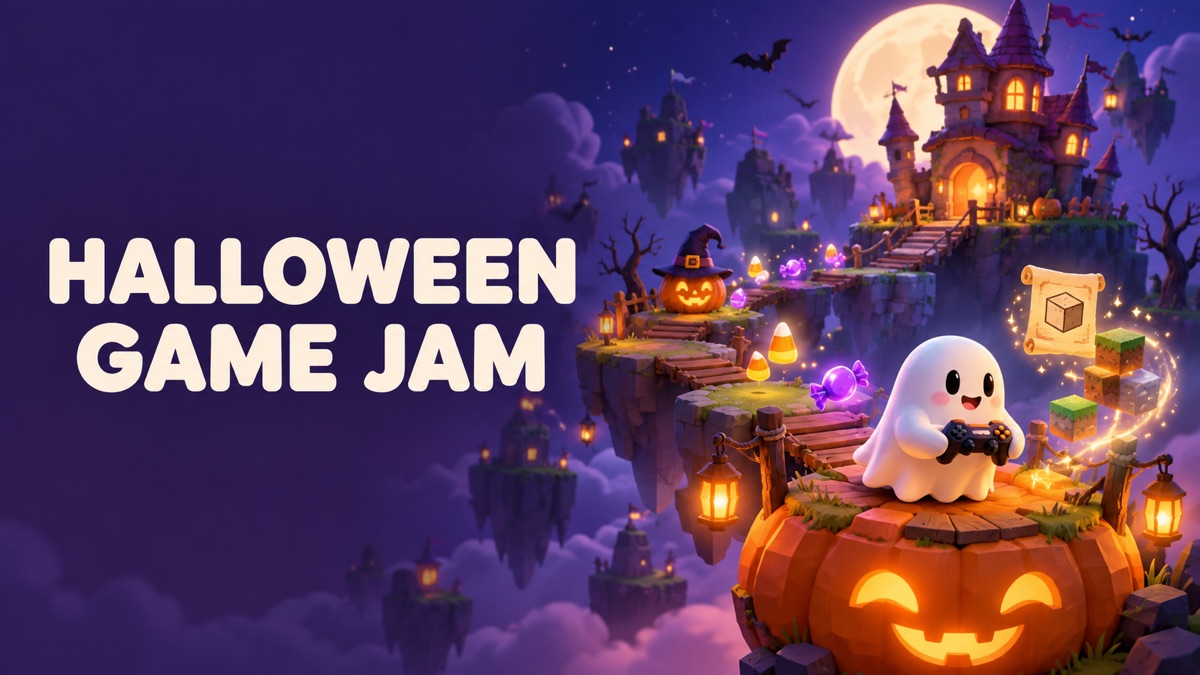
A ghost who needs help collecting candy. A pumpkin that refuses to stay still. A haunted house with a surprisingly friendly owner. Your Halloween game can start with a small idea.
The BinkBink Halloween Game Jam is open, and we’re inviting you to create or remix a Halloween game using BinkBink AI. Cute, quirky, and spooky ideas are all welcome. No coding is needed to get started.
Publish a playable game and submit it to the challenge for a chance to earn Creation Points and have your game featured on our homepage.
Submissions close on November 2, 2026, at 23:59:00 UTC, make sure you finish your submission before that time.
Visit BinkBink to join the Halloween Game Jam.
What Is the Halloween Game Jam?
The Halloween Game Jam is a BinkBink creation challenge built around one theme: Halloween.
You can create a new game or give an existing game your own Halloween twist through a remix. Your entry could be a candy collection challenge, a ghost puzzle, a pumpkin stacking game, or something we haven’t seen before.
It doesn’t need to be frightening. A playful game about a clumsy witch fits the theme just as well as a spooky adventure. Focus on an idea players can understand and enjoy.
Every entry must be made or remixed using BinkBink AI, published, and playable.
Event Dates
All event times below are in UTC (UTC+0).
Event stage | Date and time |
Submissions open | October 22, 2026, at 02:00:00 UTC |
Submissions close | November 2, 2026, at 23:59:00 UTC |
Review period | After submissions close and before the winner announcement |
Winners announced | November 3, 2026, at 04:00:00 UTC |
During the review period, we’ll assess eligible submissions for gameplay, creativity, and Halloween spirit.
Creation Points and Homepage Features
Your first eligible submission, once approved, earns you 10,000 Creation Points. This participation reward is limited to one per creator.
The game awards offer additional Creation Points and homepage exposure:
Award | Creation Points | Homepage feature |
1st Place | 200,000 | 15 days |
2nd Place | 150,000 | 10 days |
3rd Place | 100,000 | 5 days |
Most Creative Game Award | 99,000 | 7 days |
The Most Creative Game Award recognizes an original idea and imaginative gameplay. It will go to a creator outside the top three.
You can receive both a participation reward and a game award. Each creator can win one game award.
How to Enter the Halloween Game Jam
You can follow the full submission process on the BinkBink website.
1. Open the challenge from the homepage
Visit BinkBink on the web and find the Halloween Game Jam banner.
Open it to view the challenge page. You can browse submitted games and select Event Details to read the schedule, rewards, and rules.
Click Create Now to start your entry.
2. Describe your Halloween game
On the creation page, enter a prompt explaining what you want players to do.
Start with the main action, the goal, and a few Halloween details. For example:
Create a Halloween game where players tap friendly ghosts to collect candy during a 60-second round. Pumpkins occasionally appear and should be avoided. Show the score and time remaining, then display a results screen with a play again button. Use a cheerful moonlit setting with original cartoon artwork.
This is a starting idea for your prompt. You’ll still need to preview the generated game and adjust it before submitting.
3. Generate, preview, and make changes
Submit your prompt and wait for the AI to generate your game.
Then play it in Preview. Check whether the controls work, the objective is clear, and the game ends as intended.
If something needs changing, continue the conversation with a specific request, such as:
Make the ghosts larger and slow down how often they appear.
You can also adjust game assets and update the title, cover image, and description. Choose a title and cover that help players understand what they’re about to play.
4. Publish and submit to the challenge
When your game is ready, click Post to open the publishing options.
Before submitting:
● Review your game’s title and description.
● Select a public visibility option. The submission example shows Public & Remixable.
● Under Challenge, select Halloween Game Jam.
● Click Post & Submit.
Make sure the Halloween Game Jam is selected before you submit. Publishing a game without selecting the challenge does not complete the challenge submission step.
Once published, you can share your game with friends and invite them to play.
What We’ll Look for in Your Game
We’ll review eligible entries across three criteria.
Gameplay should be fun, clear, and smooth to play. Players should understand the objective and how to control the game. A small game with a satisfying main action can give players plenty to enjoy.
Creativity means bringing a fresh idea or a clever twist. If you’re remixing a game, think about how your changes affect the experience. A new objective, an unusual character, or an unexpected rule can give the remix its own identity.
Halloween spirit can be cute, quirky, or spooky. Let the theme shape what players do, whether they’re sorting a witch’s potions, guiding a ghost home, or collecting candy before time runs out.
A Few Ideas to Get You Started
If you have a Halloween setting but haven’t decided on the gameplay, try starting with one clear action.
● Pumpkin Stack: Drop pumpkins onto a growing tower and try to keep it balanced.
● Ghost Delivery: Guide a friendly ghost through a village to deliver missing party invitations.
● Witch’s Potion Puzzle: Sort ingredients into the correct cauldrons using visual clues.
● Candy Catch: Move a basket to collect falling candy while avoiding mischievous spiders.
These are prompt ideas, not ready-made games or tested templates. Pick one direction, generate a first version, and use the preview to work out what needs improving.
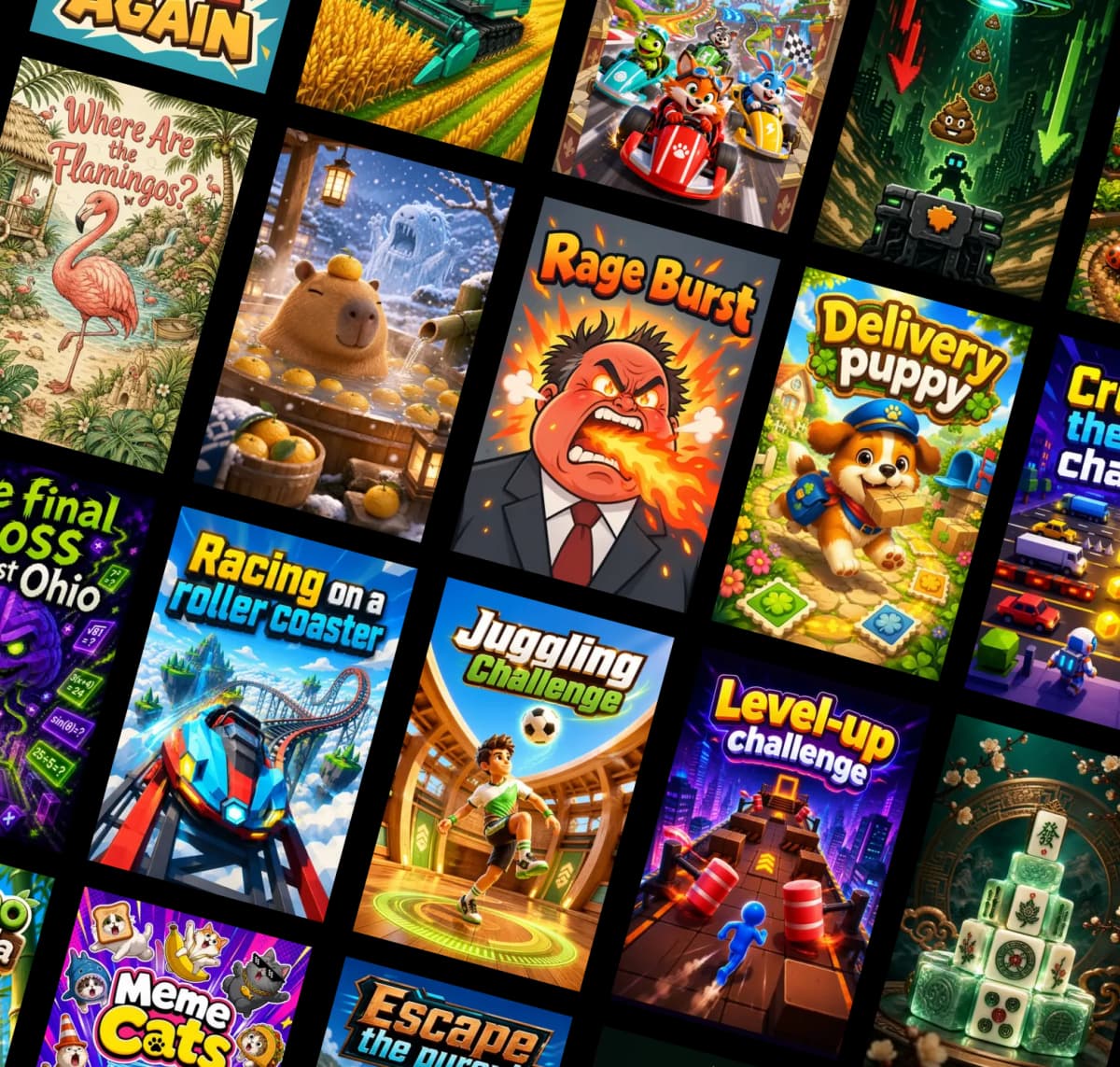
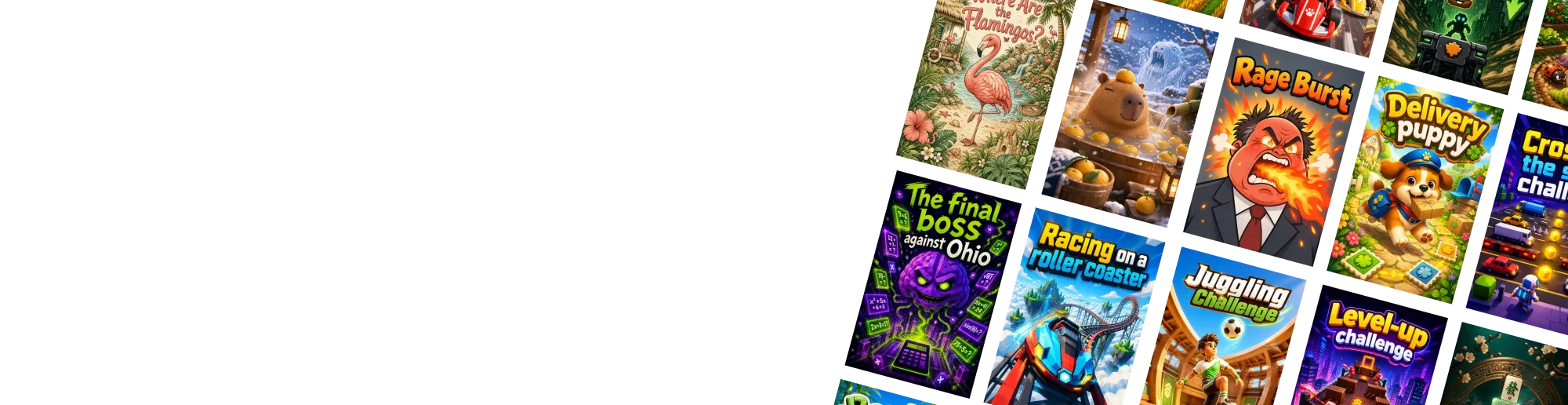
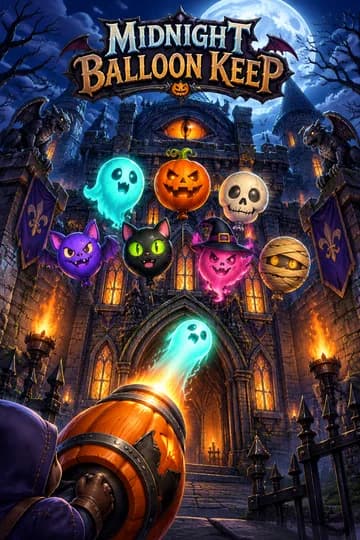
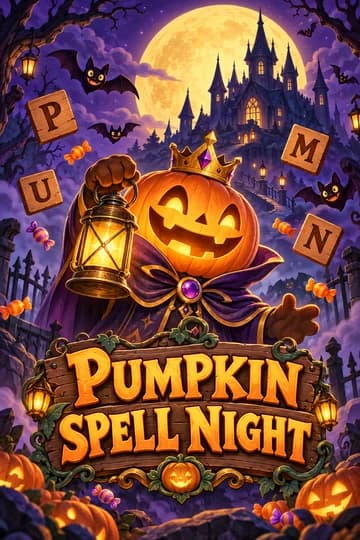
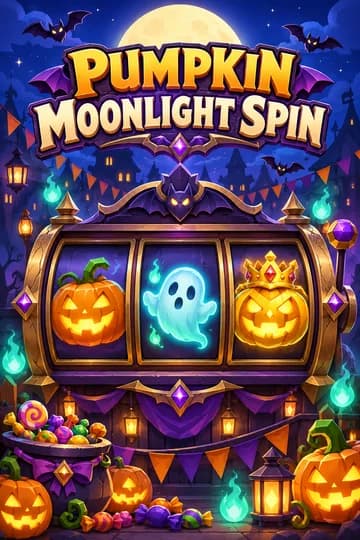
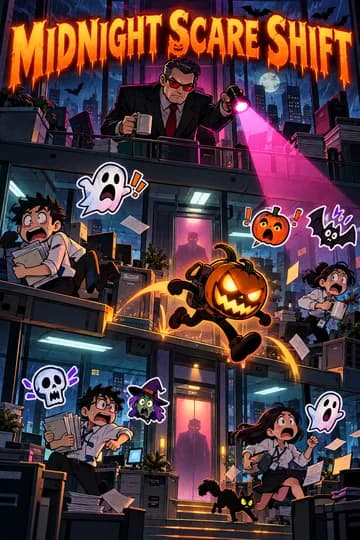
What's more, you can also find ideas from BinkBink creators. Try to play and remix now.
Submission Rules to Remember
There is no submission limit. You can enter more than one game, but each entry must be distinct.
Every submission must:
● Be created or remixed using BinkBink AI.
● Have a Halloween theme.
● Be published and playable.
● Respect other creators’ work.
● Avoid plagiarism, unauthorized materials, and inappropriate content.
If you submit a remix, give it your own creative twist. Also check that you have permission to use any materials you add.
Before publishing, play through a complete round or level. Check the instructions, controls, scoring, and any ending or restart behavior your game includes.
Bring Your Halloween Idea to Life
You don’t need a complicated concept to join. Start with something players can do, give it a Halloween twist, and refine it until it feels ready to share.
Head to the BinkBink homepage, open the Halloween Game Jam, and click Create Now. Remember to choose public visibility and select the challenge when publishing.
Submit before November 2, 2026, at 23:59:00 UTC. We look forward to playing your creations.