How to Make Your First Game With an AI Game Maker: Five Steps, Five Traps
A five-step AI game maker tutorial for first-time creators: size the idea, build a playable prototype, tune the feel, add art, then share a link.

Almost nobody's first project with an AI game maker turns out well, and the tool usually isn't the reason. You type a paragraph about the game you've been carrying around for years, hit generate, and get back something that runs but isn't fun to play twice. The request was bigger than the machine, or bigger than the afternoon you gave it.
This guide splits the work into the five jobs that separate a finished game from a demo: pick an idea you can finish, get a playable prototype, tune how it feels, add art and sound, then publish and share. Each step comes with the mistake that catches most beginners, and most of those mistakes cost an evening rather than a minute. Knowing them in advance saves a weekend.
What an AI Game Maker Can Realistically Build
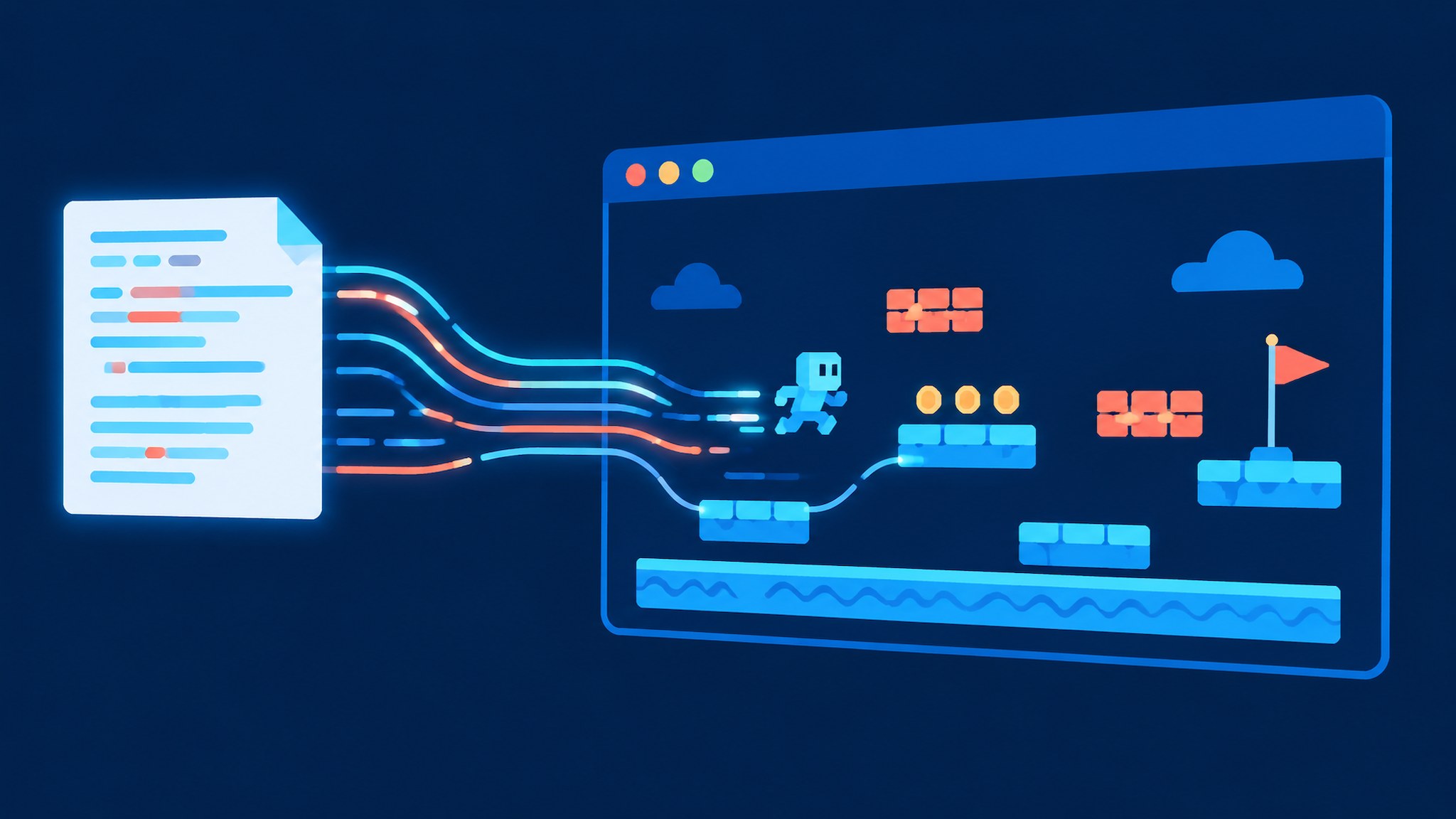
An AI game maker is a program that turns a written description into a game you can play: the rules, the art, and the controls. On Binkbink you describe what you want in plain language, the AI builds it, and you get a link you can send to anyone. No engine, no scripting.
Genre matters more than ambition. Light games work best: a casual puzzle, a short text RPG (a game played through written scenes and choices), a branching story where decisions change the ending, a one-button runner. What doesn't survive a single session is anything that needs volume. A hundred levels, a large open map, or a dozen characters with their own dialogue trees aren't impossible in AI game creation. They're just not a first project.
The difference in practice looks like this:
Idea you start with | Why it stalls | Sized for one sitting |
|---|---|---|
Open-world survival game with crafting and factions | Needs a map, an economy, and quest writing before anything is playable | A single-screen scavenging loop: grab three supplies before the tide comes in |
Sixty-level puzzle game | Level design is the entire game, and a prompt can't fake it | Five puzzles, each adding one new rule |
RPG with eight party members | Dialogue and balance multiply with every character | One companion who reacts to two decisions |
Pick an Idea Your AI Game Maker Can Actually Finish
The first job happens before you open the app, and it decides most of what follows. The fastest way to make a game with AI is to ask for less. A workable idea fits in one sentence and contains a verb the player repeats. Steer, sort, stack, dodge, choose. If you can't name that verb, you don't have a game yet. You have a setting.
- Write the loop as one sentence with two blanks: "The player ___ until ___." For example: "The player steers a boat past crates until three hits." That sentence is the game.
- Name how a run ends badly and how it ends well. A game with no way to lose has no tension, and a game with no end has no shape.
- Write down what you're cutting. A literal list helps, because it stops you from adding the cut features back at one in the morning.
- Say who it's for in one line. It sounds like fluff and it isn't, since it decides difficulty later.
The trap is choosing an idea that needs content instead of a mechanic. Stories are usually the culprit, and the giveaway is always the same list of numbers: twelve chapters, six endings, a full cast. An AI can produce all of that text in a minute, and none of it will make a stranger care about what happens in chapter two. It can't make anyone want to read it. Content volume is the one thing AI makes cheap and players still judge harshly.
Get a Playable AI Game Prototype in One Prompt
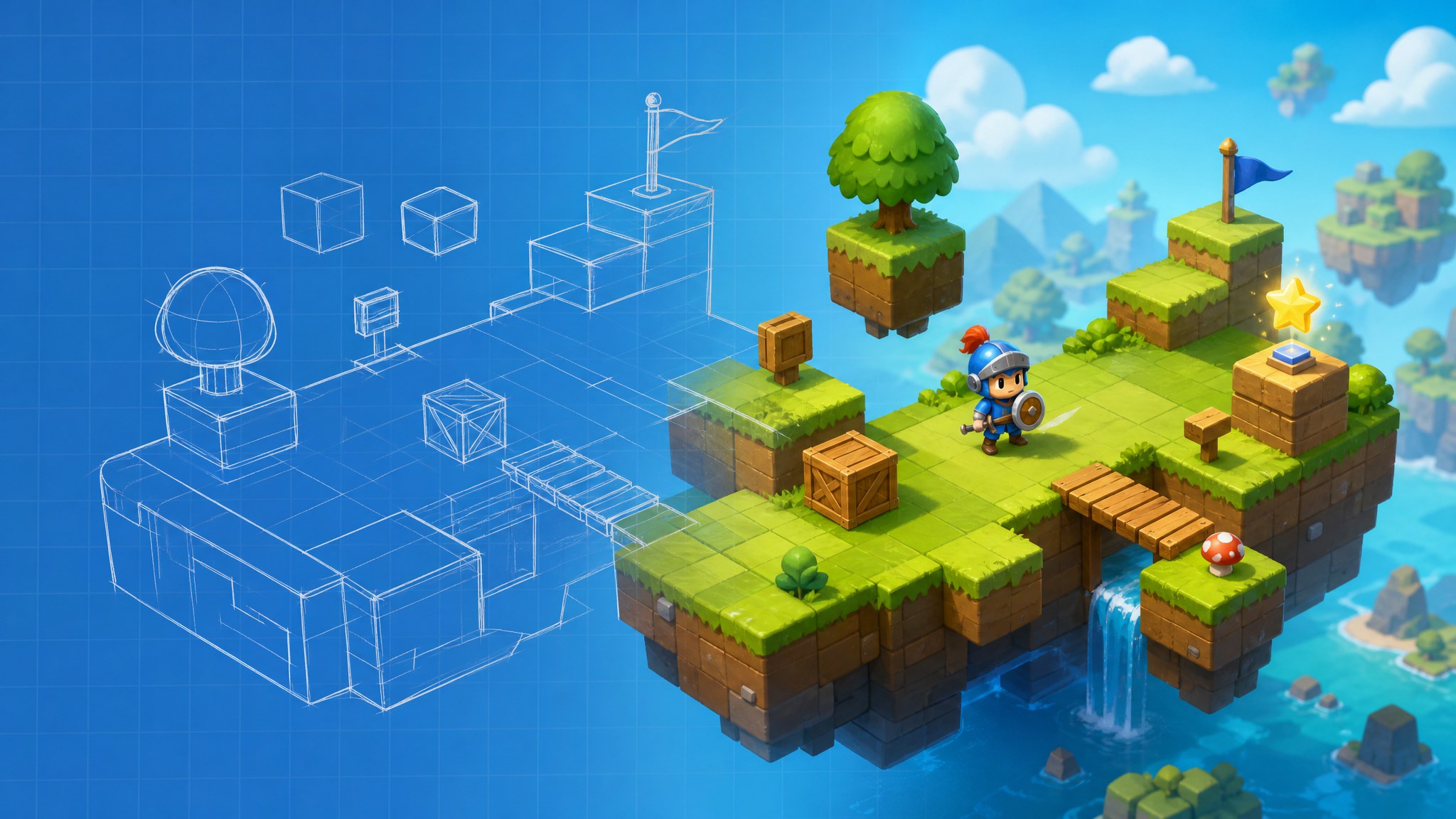
The second job isn't a small version of the finished game. It's a test of whether the loop deserves more work, so the only thing that matters is playing it within minutes of having the idea.
- Open Binkbink on your phone or at binkbink.ai and tap create on the home screen.
- Describe the whole loop, not the mood. One sentence for the player's action, one for what goes wrong, one for how the run ends.
- Put numbers wherever you have an opinion: lives, time limit, speed. Numbers give the AI something concrete to build and give you something concrete to change later.
- Generate, then play it right away. Don't fix anything on the first run. Play three rounds and write down what you did in the first five seconds.
The text to game prompt below covers the action, the failure and the ending in fewer than sixty words:
Make a one-screen game where a paper boat drifts down a flooded street. Tap the left or right side of the screen to steer. Crates float toward the boat, and hitting one costs a life out of three. The boat gets faster the longer you survive. Show the score at the top.
Notice what's absent. No backstory, no character names, no request for a menu. Those can come later if steering the boat turns out to be fun.
The common failure here is treating the first output as a draft to polish. People spend an hour asking for better art before they've decided whether the tapping feels good, then find out the loop is dull and the art was wasted. The same mistake has a second form: adding a mechanic to rescue a boring first one. If steering a boat isn't fun, adding shooting won't fix it. You get two dull things to do instead of one.
Tune the Core Loop Inside Your AI Game Maker
Tuning is the third job, and it's where a prototype turns into something people replay on purpose. It's also the step most beginners skip, because the game already runs and they aren't sure what to change.
Change one number per request. Ask for "harder" and the AI picks the lever for you, usually several at once, and you lose track of which change broke the balance. Ask for one specific thing instead: "keep the speed the same for the first ten seconds, then raise it every fifteen seconds." Then play again.
One change, one test.
Timing is the part we'd expect to need the most passes, and that's normal. It isn't a sign the tool is broken.
Three things are worth watching, and none of them need analytics:
- How long a new player survives on their first try. Under ten seconds usually means the rules aren't landing, not that the game is hard.
- Whether the first ten seconds explain themselves with no text at all.
- Whether your third run feels different from your first. If it doesn't, nothing is escalating.
The trap is judging difficulty with your own hands. You've played it twenty times, so you dodge crates on reflex and decide it's too easy. Hand the phone to somebody who's never seen it and watch that first run without saying a word. Where they hesitate is where the game is unclear. Most difficulty problems turn out to be clarity problems.
Add Art and Sound Without Breaking the Prototype
Art is the fourth job. It changes how a game feels before it changes how it looks, which is why this work belongs after tuning. A clear shape at the right speed beats a detailed one that hides the crates.
- Pick one reference and describe it in words: flat colors, thick outlines, dusk lighting, no gradients. Save that phrase and reuse it in every art request.
- Swap one asset at a time and play after each swap. If you can't tell what's happening on a phone held at arm's length, the new art is worse than the placeholder.
- Keep sound to three cues: the main action, a success, a failure. More than that turns into noise through a phone speaker.
- Check contrast while things are moving. A crate that reads fine on a paused screen can vanish once the boat is drifting.
Generated art drifts. Ask for a boat in one request and a crate in another, and you get two different illustrators working on the same screen.
Reuse beats reinvention here. One written description, repeated word for word, for every asset in the project. It's a boring fix, and boring is what holds a style together.
Publish and Share Your AI Game Maker Project
Sharing is the fifth job, and it has its own work. A link with no name, no cover image and no context gets opened once and never again.
- Write the title as an action rather than a theme. "Paper Boat" tells nobody anything. "Steer the Boat Past the Crates" tells them what they'll do.
- Add one line of instructions beneath it. Assume nobody reads past a single sentence on a phone.
- Set a cover image that shows the game in motion, not a logo on a blank background.
- Play three full runs on the device you'll share from. A build that works on your desk can fall apart on a smaller screen.
- Send it to three to five people with one specific question: "Did you know what to do in the first five seconds?" Not "what do you think?"
- Fix only what two people mention. A single complaint might be taste.
The usual result of a first share is silence, and silence isn't feedback. Ask a group chat to check out your game and you'll collect thumbs up and learn nothing. Ask a question with a yes or no answer and you'll learn something. The other trap is rewriting after every comment, which leaves you with five half-changes and no way to tell which one improved anything.
AI Game Maker Questions Beginners Ask Most
Do I need to know how to code? No. You do need to describe rules precisely, because that's the skill that replaces code here. "Three lives, speed increases every fifteen seconds" gives the AI something to build. "Make it fun" doesn't.
Why does one small fix change other parts of my game? A game is a set of connected numbers, and a request about speed can touch spawn rates and scoring too. Change one thing per request and play after each one, so you can trace which request moved what.
How long should a first game be? Short enough to finish in one sitting and clear enough that a stranger understands it in ten seconds. A five-minute game people replay beats a thirty-minute one nobody opens twice. You can add length later. You can't bolt a working loop onto a game that never had one.
What should I do when the AI ignores an instruction? Restate it as a rule with a number, and put it first in the prompt. Concrete constraints get followed more reliably than adjectives. If it still ignores you, the instruction probably conflicts with something else in the game, so remove the conflict instead of repeating yourself.
Your first game doesn't have to be good. It has to be finished, playable by someone other than you, and clear enough that you can see what to fix next. Pick the smallest loop you can put in one sentence, build it today, and let the first three people who play it show you where it breaks. That's the whole path, and an AI game maker makes the first lap cheap enough to run again.