BinkBink AI Game Maker

Create playable AI games from your ideas. No coding needed.

Start Creating

Free to start · Browser-based · Share instantly

Why Choose BinkBink AI Game Maker?

Create playable games from text without writing code.

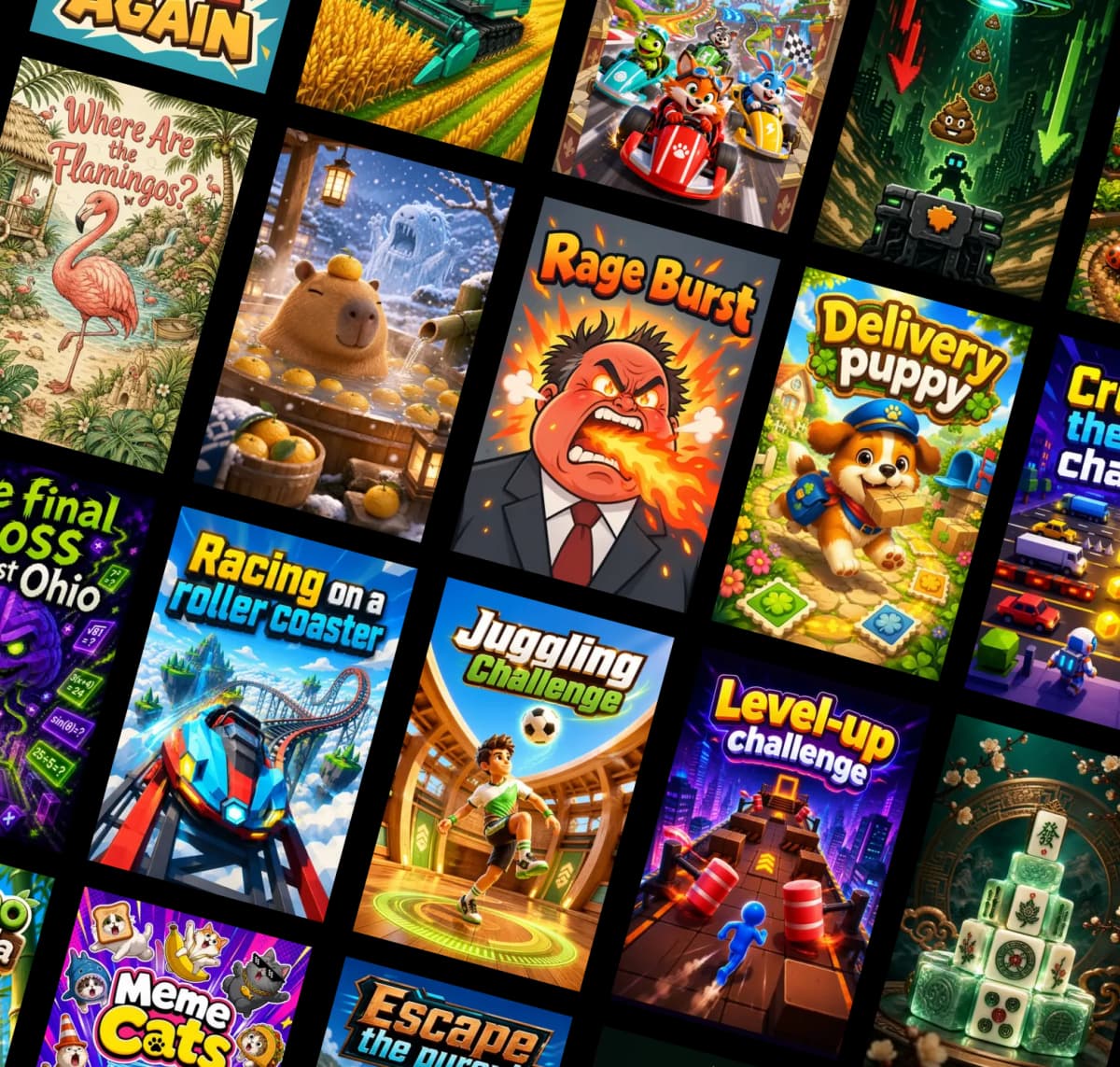
AI generates a playable game from an idea

AI Game Generator

Turn Text Into a Playable Game

Input your game idea, BinkBink AI Game Creator helps to generate the gameplay, visuals, levels, and basic game logic so you can start from an idea instead of a blank screen.

  • Start with a simple game prompt
  • Generate playable mechanics and scenes
  • Create different genres from one idea
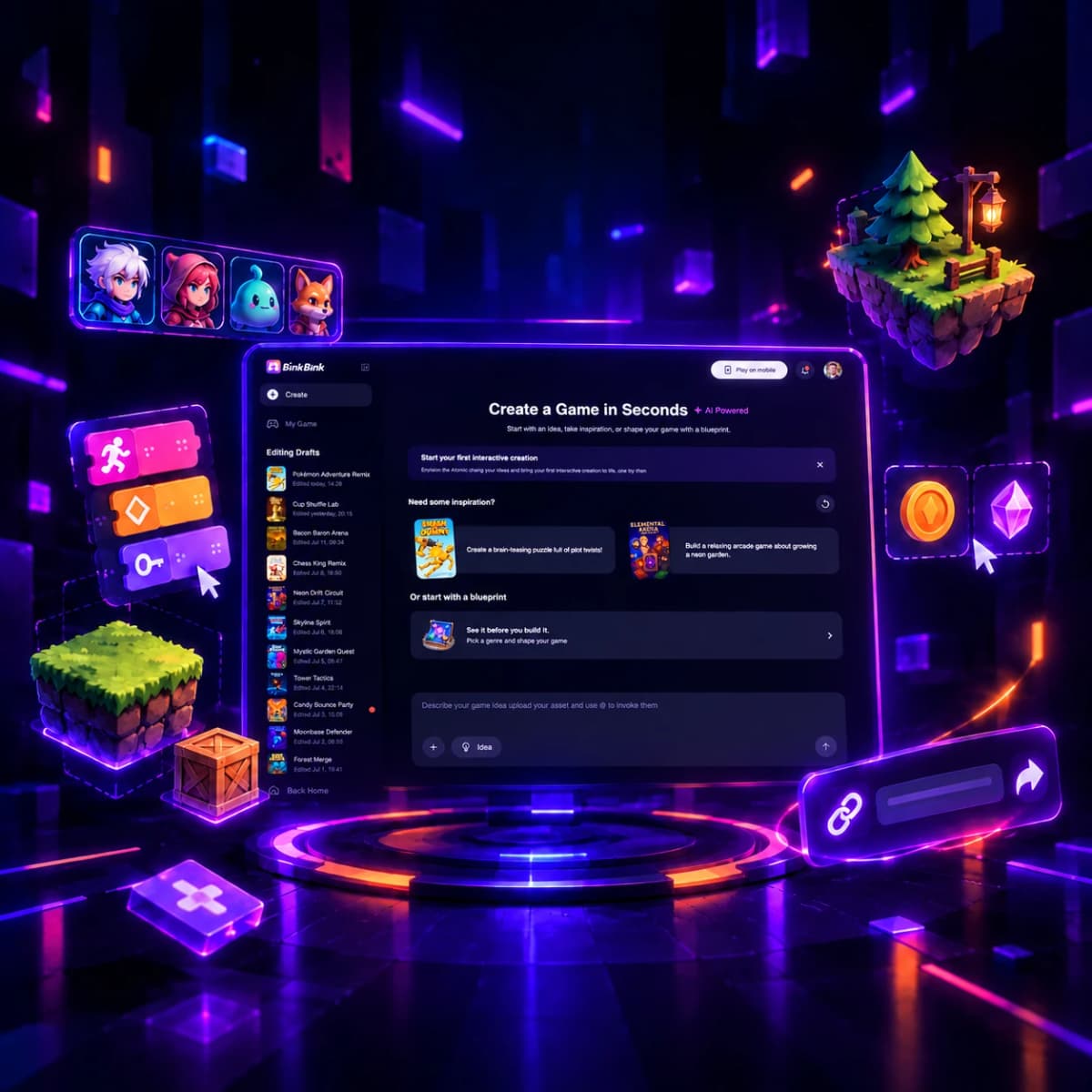
Creators refine a game together

No-Code Game Maker

Edit Your Game Without Coding

Play your game, adjust the rules, change characters, refine levels, and tune difficulty with simple controls. When it feels right, share your game with friends in one click.

  • Customize rules, levels, and characters
  • Test and improve your game instantly
  • Share your finished game with a link

How BinkBink AI Game Maker Works

Go from a simple idea to a playable AI game in three easy steps.

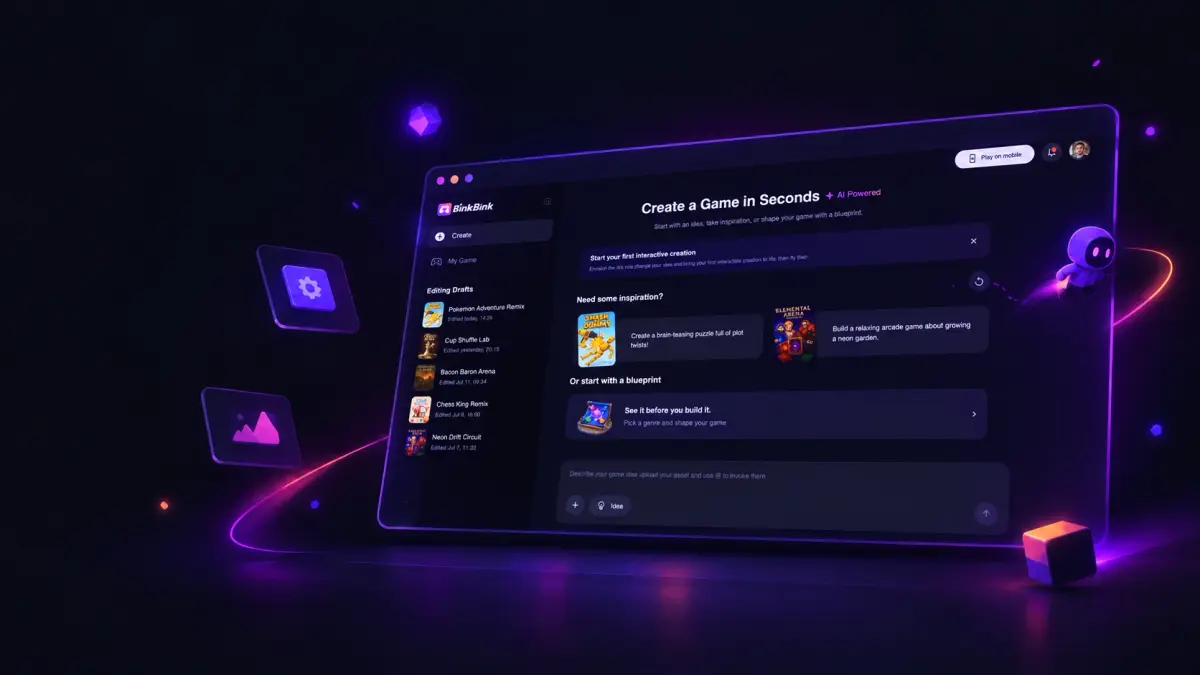
Describe your game idea
01

Describe your idea

Type a short prompt about the game you want to create. Add the genre, goal, characters, rules, or visual style to guide the AI.

Let AI generate gameplay and scenes
02

Let AI build the game

BinkBink AI helps generate the gameplay, visuals, levels, and basic logic, turning your prompt into a playable browser game.

Play, edit, and share the game you created
03

Play, edit, and share

Test your game online, adjust anything you want, then share it with friends or publish it for the community to play.

What Games Can You Create with AI?

Create 2D, 3D, puzzle, board, and casual games with BinkBink AI.

Start with AI Game Prompt Templates

Pick a game idea, customize the prompt, and let BinkBink AI help turn it into a playable game.

Pumpkin Pop cover

Pumpkin Pop

Halloween

Make a 2D Halloween tap game with pumpkins appearing one at a time. Tap each pumpkin to earn points before the 30-second timer runs out.

Try This Prompt
Haunted Hallway cover

Haunted Hallway

Horror

Build a small 3D haunted hallway. Walk to the glowing exit while staying away from one slow-moving ghost.

Try This Prompt
Dino Jump cover

Dino Jump

Dinosaur

A cute dinosaur runs forward through a simple 3D desert. Press Space or tap to jump over rocks and score points.

Try This Prompt
Apple Snake cover

Apple Snake

Snake

Turn a square grid into a classic 2D snake game: steer with arrow keys, eat apples to grow, and avoid the walls and your tail.

Try This Prompt

Built-in AI Game Editing Tools

Edit game assets, sounds, and text with BinkBink.

Image Asset Editor

Add sprites, backgrounds, icons, and characters.

Music & Sound Editor

Choose music and sound effects for your game.

Text & Dialog Editor

Edit dialogue, instructions, and UI text.

AI Game Maker vs Traditional Game Builders

BinkBink helps you start with a prompt, create faster, and share playable games more easily.

FeatureBinkBink AITraditional Game Builders
Time to first playable gameMinutes to startWeeks or months
Coding requiredNo coding neededOften required
Learning curveBeginner-friendlySteep
Cost to startFree to startOften paid or complex
Game assetsUpload or choose assetsCreate and manage manually
SharingShare with a linkBuild, export, and publish manually

Frequently Asked Questions

Everything you need to know about creating games with BinkBink AI Game Maker.

What is an AI game maker?

An AI game maker is a tool that helps you create games from simple ideas or text prompts. With BinkBink, you can describe the game you want, then start building a playable browser game without setting up a traditional game engine.

Can I make a game without coding?

Yes. BinkBink is designed for no-code game creation. You can describe your idea in plain language, choose or upload assets, edit text, and share your game without writing code.

What types of games can I create with BinkBink AI?

You can create many types of games, including 2D games, 3D-style games, puzzle games, board games, arcade games, and adventure games. You can also start from prompt templates and customize the idea.

Can I edit the game after it is created?

Yes. After your game is created, you can test it, adjust the content, edit text and dialog, and update images or audio by uploading your own files or choosing assets from the BinkBink library.

Can I share my game with friends?

Yes. Once your game is ready, you can share it with friends using a game link, so they can play it online in their browser.

Is BinkBink safe to use?

Yes. BinkBink uses account protection, content guidelines, and moderation tools to help keep the platform safe for players and creators.

Ready to Create Your Own AI Game?AI Powered

Use BinkBink AI to turn your game idea into something playable, editable, and ready to share.

Start Creating