How to Create Your Own Game When You Can't Draw or Code
You can create your own game with no art skills and no coding. Here are the three routes, what each one asks of you, and how to pick the one your idea needs.

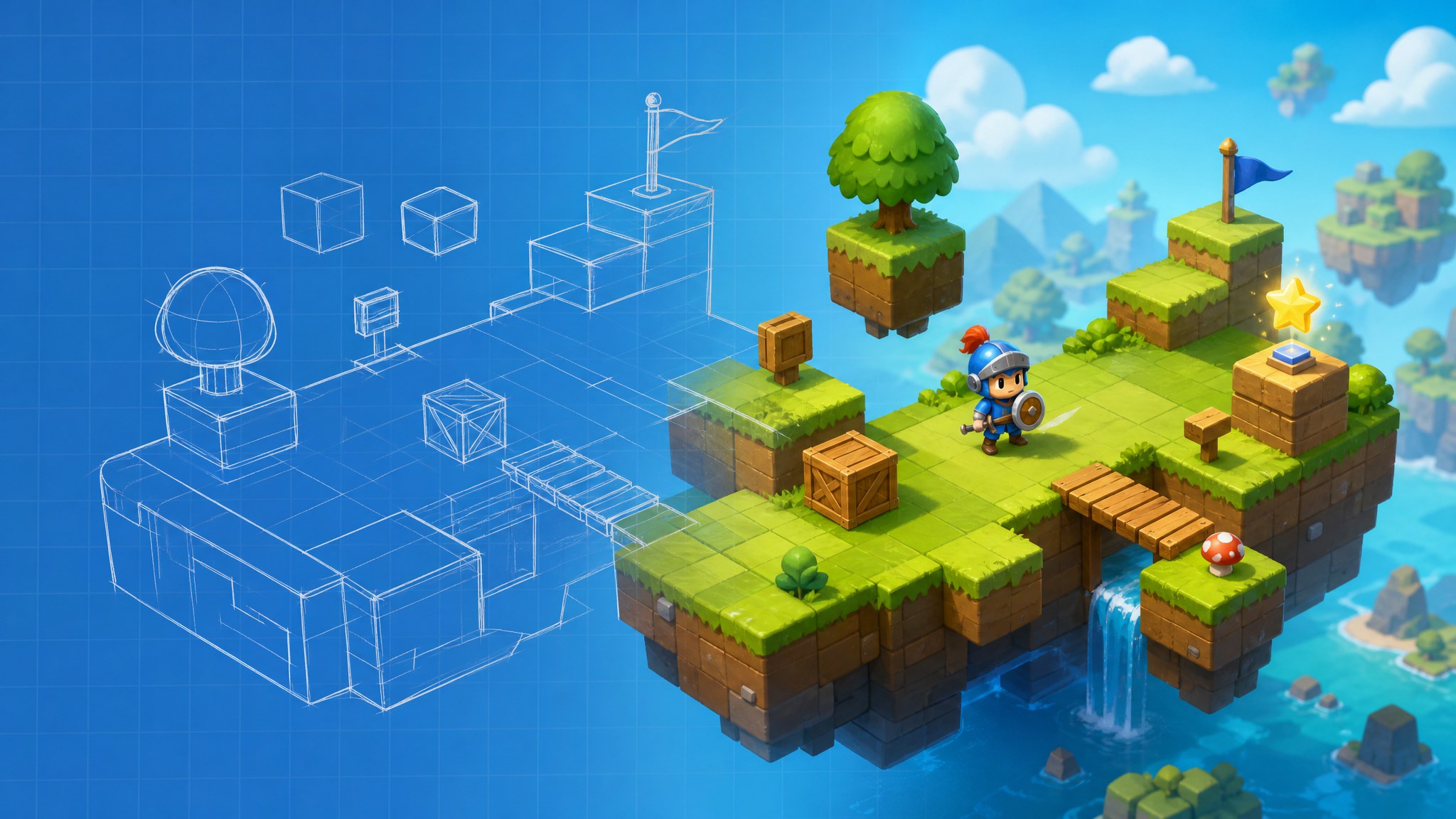
You can create your own game without drawing a sprite or writing a line of code. What you can't skip is the thinking behind it: what the player does over and over, and what counts as winning. Everything after that becomes a tool decision, and the three routes below ask for very different things from you. One takes a sentence and a minute. One takes an afternoon inside an editor. One takes weeks of learning a real engine. Pick the route that fits the game you can describe, not the tool with the loudest landing page.
Before You Create Your Own Game, Pick a Loop You Can Describe in One Breath
Every route below asks for the same thing first, and it isn't skill. A loop is the action a player repeats plus the feedback that makes repeating it worth something. If your idea can't survive that compression, it isn't a game yet. It's a setting.
"A platformer" fails the test, because it names a camera angle and nothing else. "You run right, jump gaps, and each coin buys two more seconds on the clock" passes, and it also tells you which tool can build it.
Most first projects die from scope rather than missing talent. A single-screen game with one mechanic and one fail state gets finished. A game with three mechanics, a shop and a save system is a six-month project wearing a weekend costume. Write the sentence down, then cut words until every one of them could show up on screen.
That sentence also predicts the route. Something about mood and choices, like a lighthouse keeper answering letters from ships that never arrive, is mostly text and branching, which an AI game generator handles well. Something about exact numbers, like towers that cost 40 gold and fire every 1.2 seconds, is rules, which wants an editor where you can see every value on one screen.
What Happens When You Type a Sentence Into a Text-to-Game Tool
That sentence you just wrote is the input this route expects. The model doesn't invent a game from nothing. It matches your description to a genre template that already carries movement, a scoring rule and a way to lose, then fills in the specifics: how fast the character moves, what the obstacles look like, how a level ends. Art generation runs alongside that, so sprites and backgrounds arrive in a matching style instead of being bolted on later.
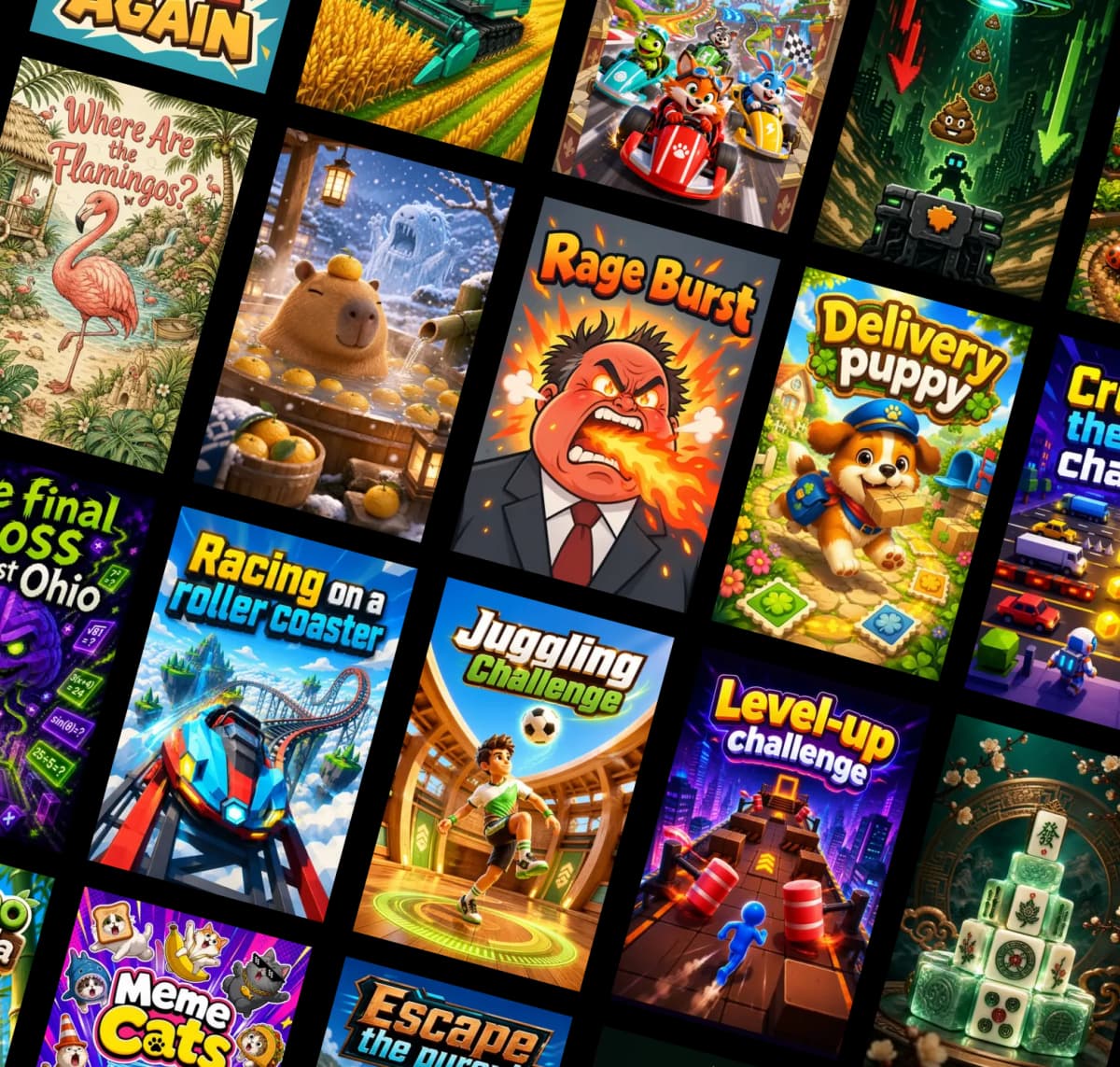
On BinkBink this is the entire workflow. You write the description at binkbink.ai in a browser, and a playable build comes back with a link you can send to someone. No export dialog and no build settings to guess at.
Editing happens in the same window. Ask for a floatier jump, a timer that starts at 30 seconds, a colder palette, and the tool regenerates the parts that changed. That conversational editing is the real feature here. A first draft takes a minute, and the ten revisions after it are where the game starts to feel like yours.
Text-to-Game AI Still Can't Hold a Long Game Together
This route hits its ceiling in three places, and they're worth knowing before you write ten prompts. All three fail quietly, which is the annoying part.
- Rules that need exact values. Balance lives in numbers that interact, and a regenerated scene can reset them. Ask for damage that scales with distance and a cooldown that shortens per hit, and you'll re-check the same values after every revision.
- State that has to persist. Inventories, unlocked levels and saved progress need storage the generator doesn't hand you. A game you expect people to return to tomorrow needs an editor or an engine underneath.
- Long, consistent structure. A twenty-minute story with returning characters drifts in tone the further you get from the opening prompt. Each new scene is generated fresh, so continuity is on you to enforce.
None of this makes the output fake. It makes it short. A five-minute game that nails one idea is a real game, and people will play it twice. The mistake is handing the tool a design that needs bookkeeping and expecting the bookkeeping to appear.
A No-Code Builder Beats AI Generators Once the Rules Get Specific
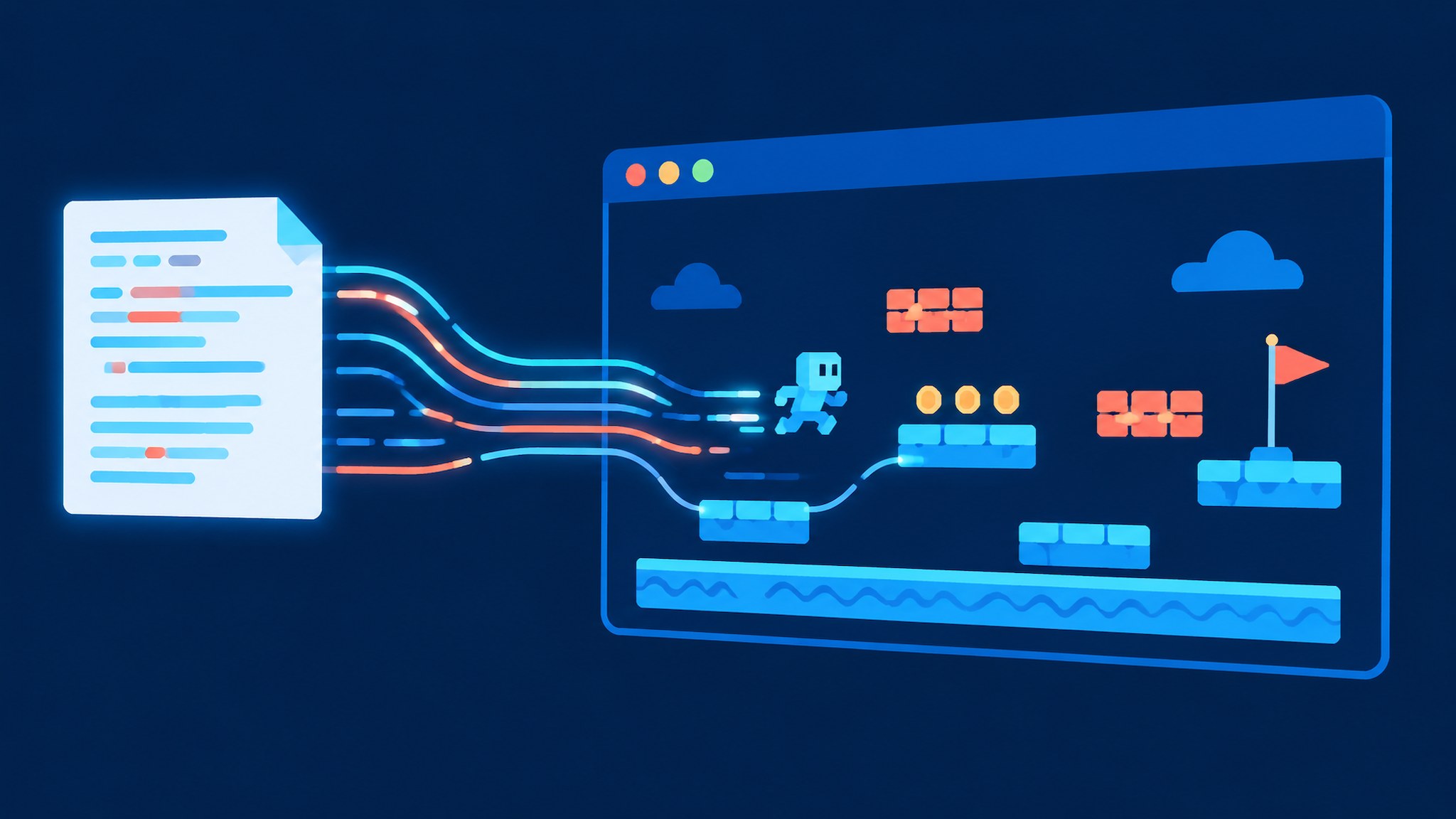
Precision is why people move from prompts to an editor, and the trade shows up the moment you open one. In a no-code game builder you don't describe the game, you assemble it. Objects go on a layout, behaviors give them movement and physics, and an event sheet holds the rules as condition and action pairs. "When player overlaps coin, destroy coin, add 1 to score" is a line you can read, find and change. That readability is the whole advantage.
GDevelop is the most direct way in for most people. It's free and open source, runs on desktop and in a browser, and covers 2D and 3D projects. Exports include the web, Steam, iOS and Android, and publishing on gd.games costs nothing. Construct 3 takes a different angle: the editor is a browser tab, the event system follows the same condition-and-action idea, JavaScript is optional when you want it, and exports cover HTML5, Android, iOS, Windows and macOS. A free tier sits next to paid plans.
What you pay in is time. An afternoon gets you a moving character and a working score. A finished game with menus and a proper fail state is weeks, and most of those weeks go into layout, testing and fixing the thing you broke two events ago.
How to Create Your Own Game in a No-Code Builder in Five Steps
An editor stops being intimidating once you've shipped one tiny thing inside it. That's the point where you stop reading about how to make your own game and start making it. These steps use the standard workflow shared by GDevelop and Construct 3, so the labels differ but the order doesn't.
- Open a template instead of an empty project. Pick the platformer or top-down template closest to your sentence. You want working movement on screen before you change anything, because a blank layout teaches you nothing about the tool.
- Replace the art you can see. Swap the player, the ground and the hazard sprites for free assets from the built-in library. Keep the proportions the template expects, or collisions start to feel wrong in ways that are hard to diagnose.
- Write your first rule in the event sheet. Add one condition (player overlaps coin) and two actions (destroy the coin, add 1 to the score variable). Preview after that single event. If the score doesn't move, the variable name is wrong, not the logic.
- Set one fail state. A countdown timer, or a hazard collision that restarts the layout. One is enough. Two fail states in a first build means you'll spend the evening balancing instead of finishing.
- Export a web build and send the link. Both editors produce an HTML5 build you can host or upload to their arcade. Play it on a phone before you call it done, since touch controls are where most first builds fall apart.
First builds should look rough. Rough over polished, every time. Fast is how you find out whether the loop holds up before you've spent a month on it.
Do You Need a Full Engine Like Godot to Create Your Own Game?
Engines come up because professional teams use them, which isn't the same as your project needing one. Godot is free, open source, and built around scenes made of nodes, with GDScript for logic and C# as an option. It exports desktop builds for Windows, macOS and Linux, plus Android, iOS and the web. It handles 2D and 3D in the same editor, which is more range than a first project will ever touch.
Logic in Godot is code, and that's the honest cost. Visual tools exist for shaders and animation, but the rules of your game get written, so "no-code" and "Godot" don't belong in the same sentence. If you're choosing an engine because you want to learn how games are actually assembled, that cost is the reason to be there. If you're choosing it because an engine sounds more serious than a game maker, you'll spend three weekends on project settings and ship nothing.
Match the Route to the Sentence You Would Use to Pitch the Game
Three routes, one sentence, and a decision that takes less time than reading three landing pages. Where does your sentence sit in that table? Read it again and check which row sounds like it.
The sentence you'd use | Route that fits | Time to a playable build | What you give up |
|---|---|---|---|
A keeper answers letters from ships that never arrive | Text-to-game AI | Minutes per draft | Exact balance and saved progress |
Three towers, 40 gold each, waves every 20 seconds | No-code builder | An afternoon, then weeks of polish | The speed of a generated draft |
A 2D metroidvania with wall jumps and a map screen | Full engine | Weeks of learning, then months of work | Any claim of no-code |
Switching routes later is normal, and often smart. Plenty of people prototype the loop with an AI game generator, then rebuild the part that needs exact numbers in GDevelop or Construct. What you want to avoid is starting in the most demanding tool because it feels like the serious choice, then discovering in week three that you haven't got a playable minute yet.
Go build the smallest version of your sentence, the one that fits on one screen, and put it in front of three people this week. Feedback on a rough playable thing beats another month of planning. If you want to test the first route before installing anything, binkbink.ai runs in a browser and takes a sentence as the starting point.